How To Apply Credit Memo to Receivable Invoice In Oracle Fusion
Step1:- Log in under a Billing Manager responsibility.
Navigator: Receivables ==> Billing ==> Tasks/ Transactions/ Manage Transactions.

Step2:- Enter the Transactions Number against which you want to do the adjustment.
Click on Search
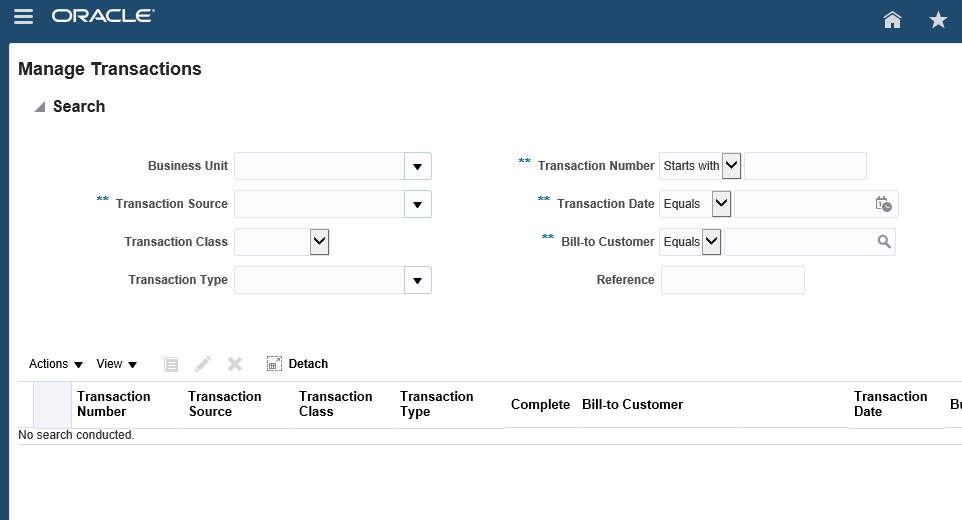
Click on Highlighted Transaction Number

Step3:- Under Actions Button click on dropdown list Select
Credit Transactions.
Step4:

Step4:Under Credit memo region select the Credit Reason
- Credit the entire invoice.- If more than one line, Credit specific Invoice Line In Credit Columns:
- Enter a credit percentage or an amount for the invoice lines or the Tax lines

How To Apply Credit Memo to Receivable Invoice In Oracle Fusion


